The tools behind the service.
Most of these tools run on a small appliance on your network. Some run in the cloud. The right mix depends on your environment. What doesn't change is that you own it and you can see it.
A few things I won't compromise on.
You own it
The hardware is yours. The software is open source where possible. If we part ways, your next IT person picks up exactly where I left off.
Data stays on-site
Passwords, backups, documentation, and network logs live on your hardware in your building. Not in my cloud, not in a shared datacenter.
No per-seat fees
Most tools I deploy have no licensing costs. Your IT bill doesn't go up every time you hire someone new.
Built to outlast me
Everything is documented in the system itself. The infrastructure runs independently. It doesn't phone home to me.
Know when something breaks before your staff does.
LibreNMS
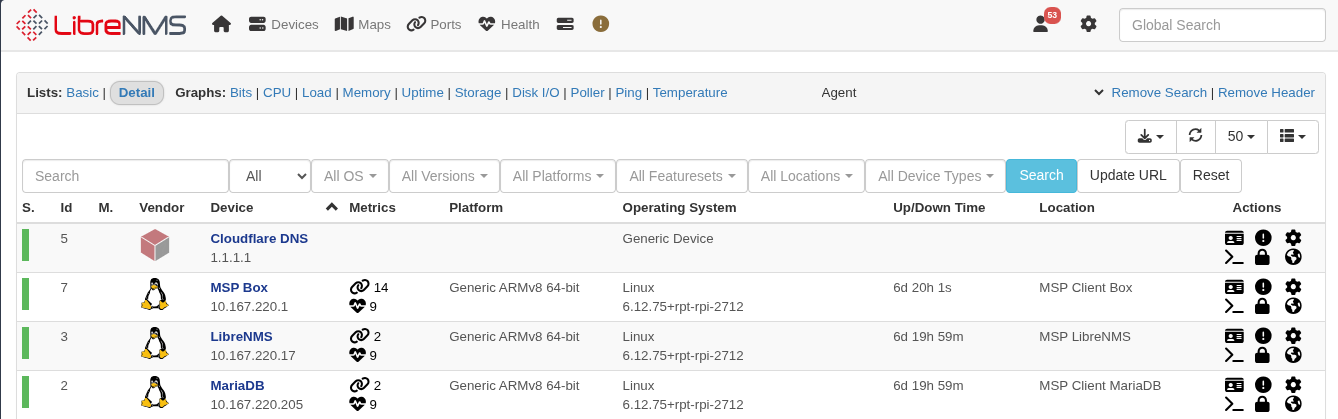
Keeps tabs on every device on your network: servers, workstations, printers, switches, and your internet connection. If something goes down or starts behaving oddly, I get an alert. Hosts are added using network scanning tools like nmap, so the inventory reflects exactly what I've confirmed is on your network.
Block threats before they reach any device on the network.
Pi-hole
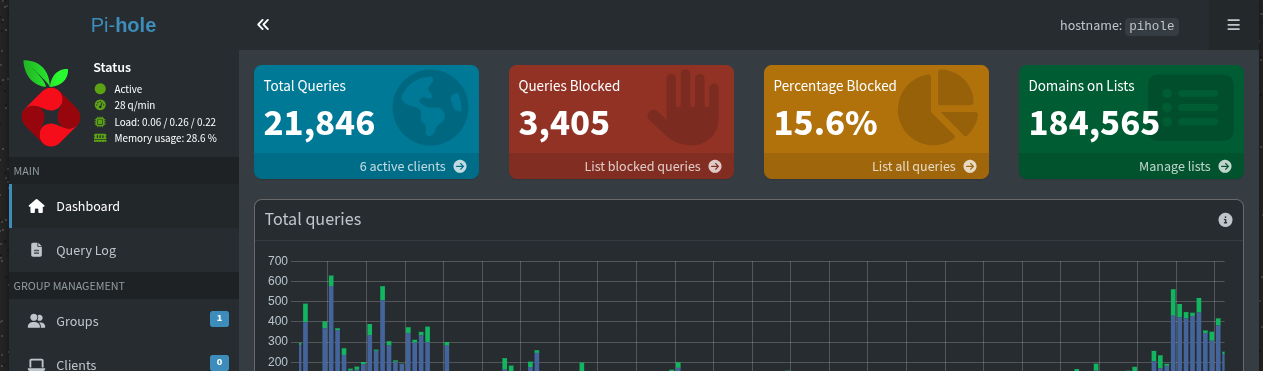
Acts as a gatekeeper for your internet connection. Every device on your network routes DNS through it, and when something tries to reach a known malware domain, phishing site, or ad tracker, the request is dropped before the connection happens. Nothing to install on individual machines; it covers printers, card terminals, and anything else you can't put antivirus on.
Two copies, two locations, tested restores every quarter.
UrBackup
Takes a snapshot of every machine every night. If a workstation dies Friday afternoon, I grab the backup, restore it onto a replacement, and it comes back exactly as it was: OS, software, settings, data. Much faster than rebuilding from scratch, which matters when customers are waiting.
Restic
The local backup handles day-to-day recovery. Restic handles the "what if the building floods" scenario. It pushes an encrypted copy of your most important data to a secure offsite location. Everything is encrypted on your hardware before it leaves the building. You hold the encryption key.
Connect to your network from anywhere, securely.
WireGuard
Used for most site-to-site connections and remote access. WireGuard runs on every major platform, including phones, so staff can connect directly to your network from anywhere. There is no middleman and no secondary provider involved. The tunnel goes from your device to your network and nowhere else.
Cryptography is modern and minimal: Curve25519 for key exchange, ChaCha20 for encryption, Poly1305 for authentication. The same standard used by militaries and intelligence agencies worldwide. The codebase is a fraction of the size of older VPN software, which means less surface area for vulnerabilities.
One secure place, instead of sticky notes and spreadsheets.
Vaultwarden
Compatible with the Bitwarden browser extensions and phone apps your staff may already know, but the data lives on your hardware instead of a third-party server. Staff logs in, passwords auto-fill. When someone leaves, I cut their access. When someone starts, I set them up in minutes.
Any qualified tech should be able to walk in and understand your environment.
BookStack
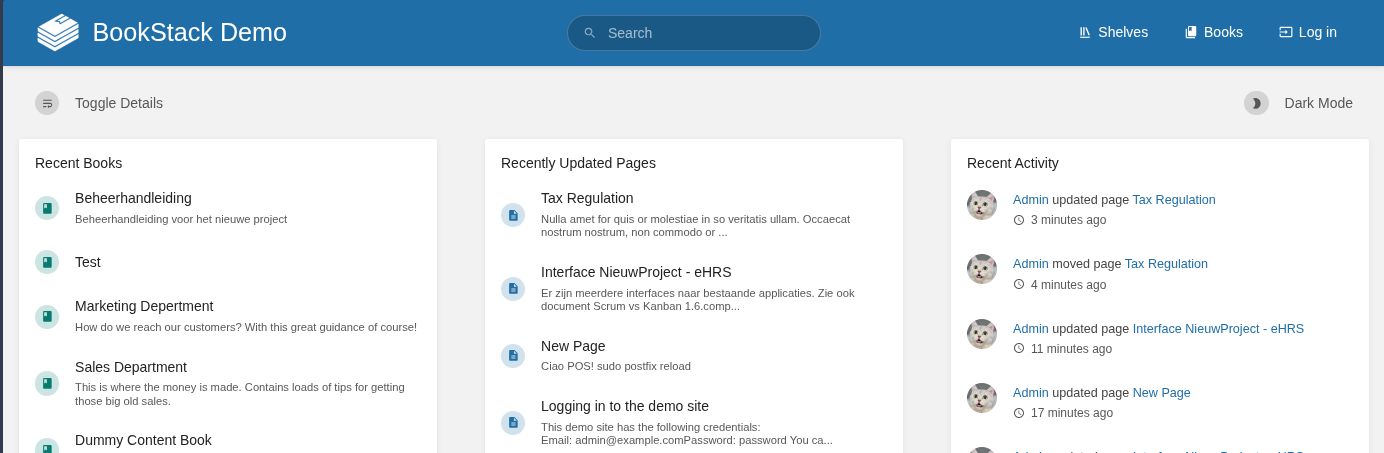
Where everything gets written down: network diagrams, vendor contacts, IP assignments, device inventory, procedures. Organized like a reference book with chapters and pages. When something breaks at 2am, the information needed to fix it is already there, not locked in someone's head or a personal notes file.
Know exactly what you own, where it is, and when it expires.
Snipe-IT
Tracks every piece of hardware in your environment: computers, monitors, printers, network gear, phones. Each asset has a record showing who it's assigned to, when it was purchased, its warranty status, and its full history. When a machine breaks, I know exactly what it is without asking you to find a sticker on the back of a monitor.
Also tracks software licenses so you know what you're paying for, how many seats you have, and when renewals are coming. No more discovering an expired license when something stops working.
A small box in your server closet that runs all of this.
Small Form Factor PC
A compact, quiet, enterprise-grade computer. Enough processor and memory for the full service stack, a fast OS drive, and a large backup drive. Sits next to your network switch, connects to power and ethernet, and runs everything above without intervention.
You purchase it as part of onboarding. You own it. If we stop working together, it stays in your building. I select hardware based on your environment and keep spare components on hand for fast replacement.
Tools I use to manage your environment.
These don't run on your hardware and they're not part of what you own. They're the professional tools I use on my end to keep things running and stay accountable.
Request Tracker
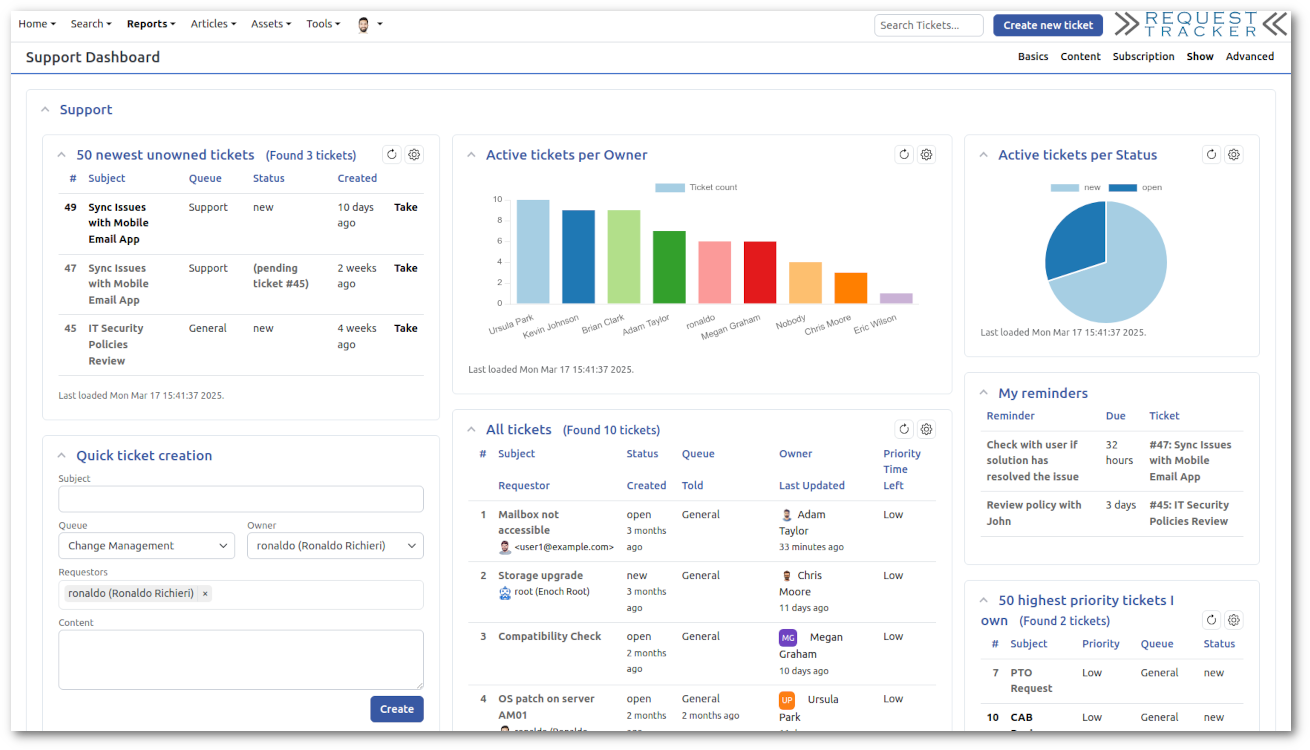
Every issue, request, and task gets a ticket. Not because I need a bureaucratic process, but because it creates a record. If the same problem keeps coming back, there's a history. If you want to know what I worked on last quarter, I can show you. It also means nothing falls through the cracks when things get busy.
GitLab
Where I store scripts, configuration files, playbooks, and automation that runs your environment. Everything is version-controlled, so changes are tracked and reversible. If I write a script to automate something on your network, it lives here, not on my laptop.
Wazuh
A lightweight agent runs on each managed workstation and server, watching for suspicious behavior: unusual processes, changed system files, failed login patterns, and known vulnerability signatures. Events feed into a central manager where I review and respond. It bridges the gap between basic antivirus and a full enterprise SIEM, without the enterprise price tag.
Wazuh also does continuous vulnerability scanning against each machine's installed software inventory, so I know about unpatched CVEs on your endpoints before they become a problem.
Supporting Infrastructure
The tools above don't configure themselves. Behind the scenes I use a set of standard infrastructure tools to deploy, maintain, and access client environments consistently.
It stays in your building. Not my cloud, not anyone else's.
Everything on this page runs on a machine in your office. Customer records, business passwords, financial documents, backups, network logs. All of it. On your hardware, in your building.
None of it gets uploaded to a cloud service. None of it gets fed to an AI. None of it sits on shared infrastructure where someone else's breach becomes your problem.
No cloud storage
Passwords, documentation, backups, and monitoring data all live on your hardware. The only offsite copy is an encrypted backup where you hold the key.
No AI processing
Your business data is never sent to an AI service or analytics platform. What happens on your network stays on your network.
No shared infrastructure
Your appliance is yours alone. It doesn't share resources or storage with other clients. A breach elsewhere cannot touch your data.
My tools, your data
I use professional tools for remote management and endpoint security. Those are my tools, not your data. When we part ways, I uninstall them and your data is untouched.
If somebody wants your data, they have to come to your building.
Not me, not Amazon, not Google. You control it. Want to talk through what that looks like in practice?
Get in TouchManaged IT should mean something.
The word "managed" gets applied to a lot of IT arrangements that aren't really managed. What it usually means in practice: you pay a monthly fee, someone monitors your systems remotely, and when something breaks you submit a ticket and wait. The monitoring catches the fire after it's already burning. You get billed for the response.
What it should mean is that most of those fires never start. Patches applied before the vulnerability is exploited. Backups tested before the restore is needed. Problems caught while they're still small. That's the whole point of paying a consistent monthly fee instead of calling someone when things break.
I've taken on enough clients who were already paying "managed" rates to know how common the gap is. The documentation was never written. The backups hadn't been tested in years. The monitoring was generating alerts that nobody was reading. The business owner had no idea because nobody told them, and there was no way for them to check.
The tools on this page are how I close that gap. You can log into every one of them and see exactly what I see. The documentation is yours. The backup logs are yours. If I'm not doing what I said I'd do, you'll know before I do.
Want to see it running?
I'm happy to walk you through the stack and show you what it looks like in a real client environment. No obligation, no sales pitch.
Get in Touch